Command section
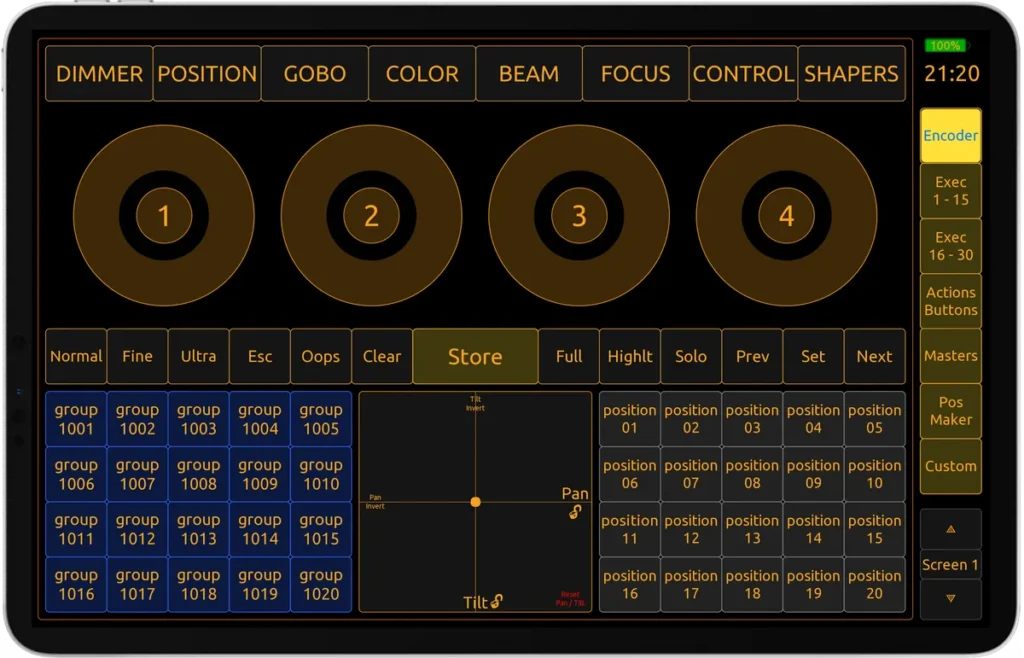
Take absolute control of your GrandMA2 workflow with this custom TouchOSC Mk2 layout. Engineered specifically for professional lighting programmers, this profile transforms any tablet or mobile device into a zero-latency, wireless control surface for GrandMA2 on PC. Whether you are focusing a massive rig on stage or programming complex cues on the move, this layout drastically accelerates your execution. Fully compatible with iOS, Android, Windows, macOS, and Linux environments.

Key Features
For advanced routing details and pro tips, check out the User manual.
- Easy Setup: Get started in seconds with the included Show File or integrate it instantly into your existing workflow using the custom LUA Plugin.
- Full CMD Hardkey Coverage: Access all command keys directly and quickly.
- Four Encoders: Adjust parameters with four tactile encoders (includes Encoder Push and Align functions).
- Trackball, Dimmer Wheel & Grand Master: Fully mapped core parameters.
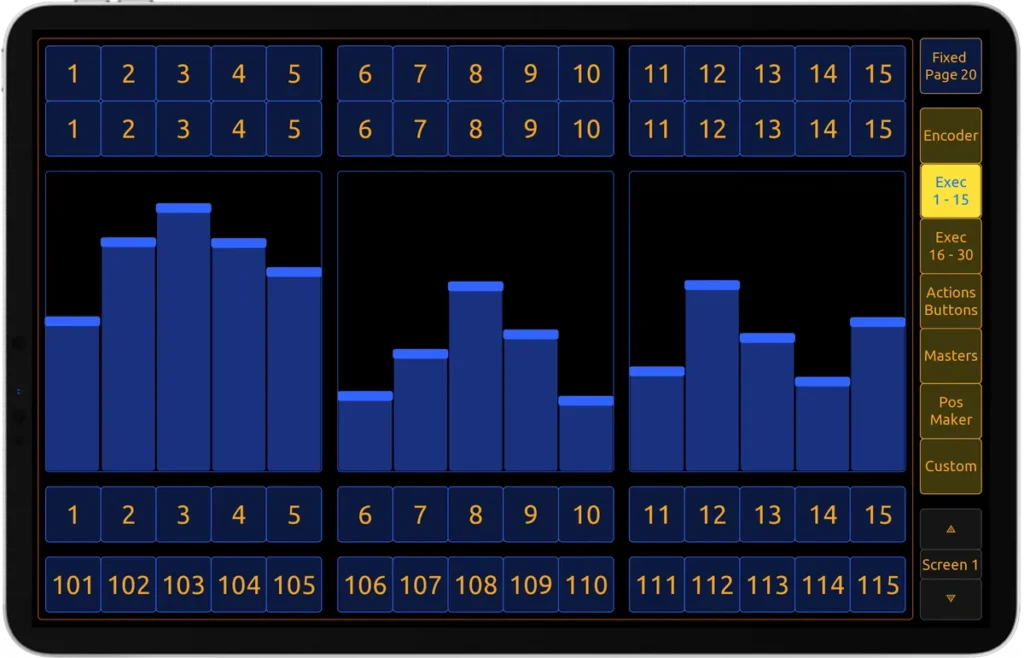
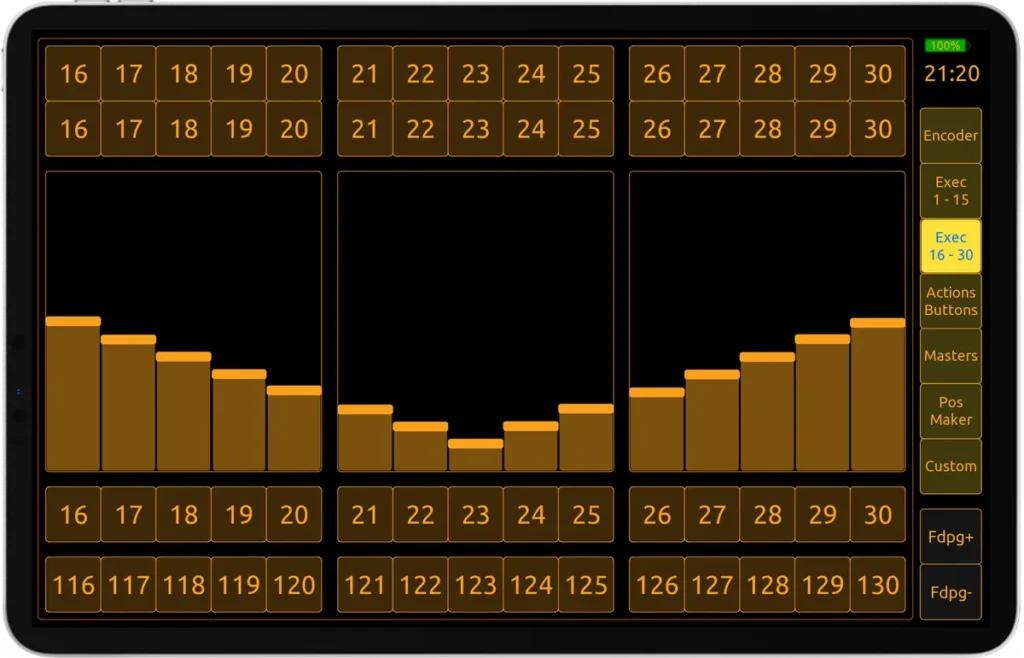
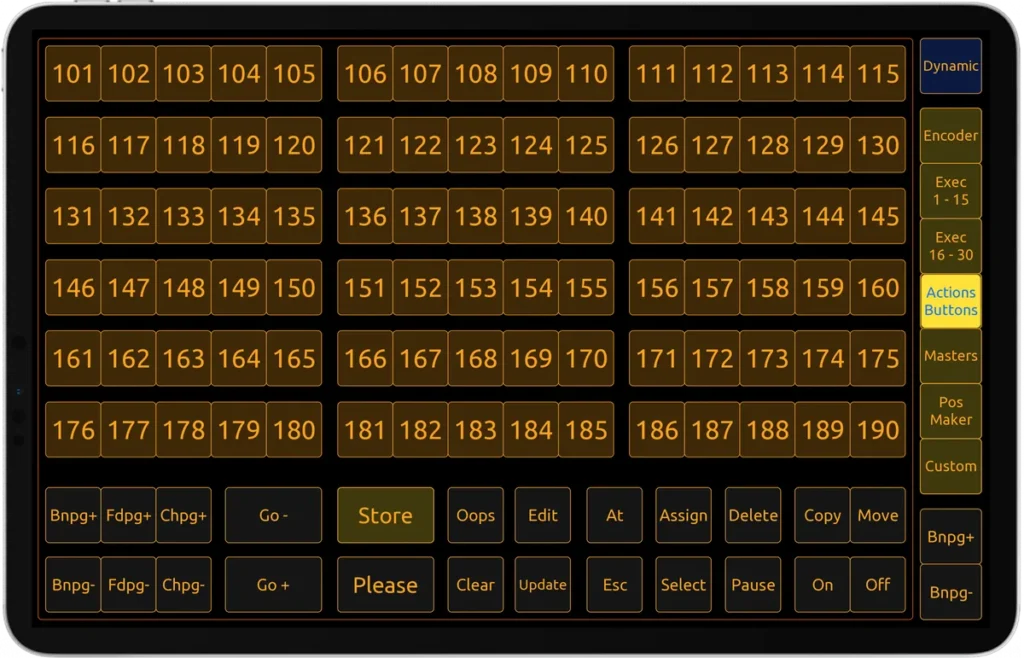
- Executor Access: Navigate executors 1 to 30 and 190 exec buttons with ease. Includes page switching and fixed pages.
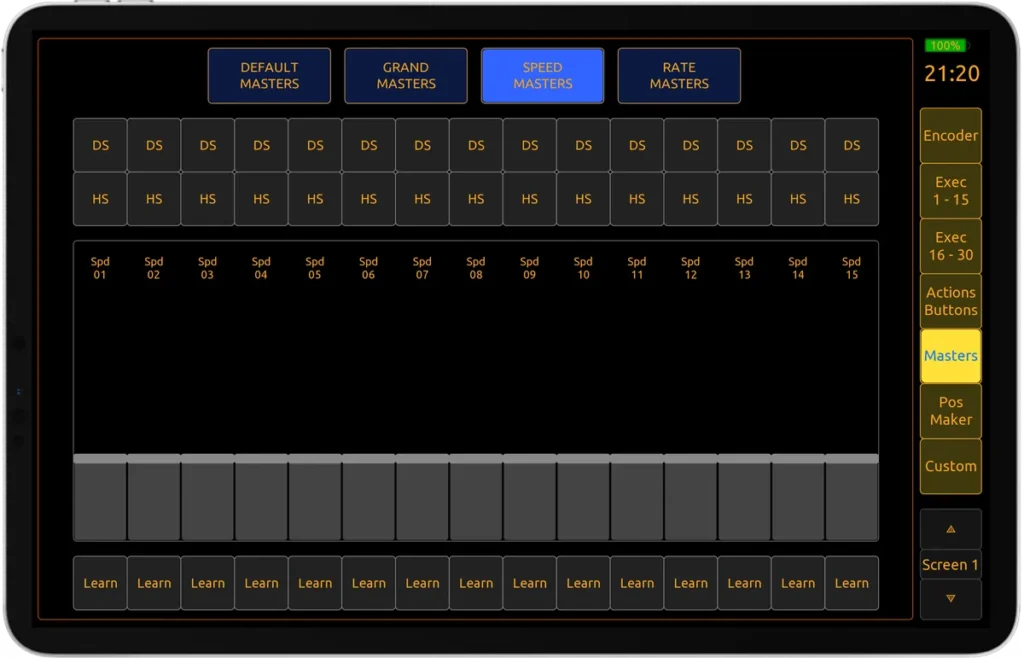
- Special Masters: Direct access to all special master faders and network functions.
- Dual 100mm Faders: Use special masters with a dedicated assign menu.
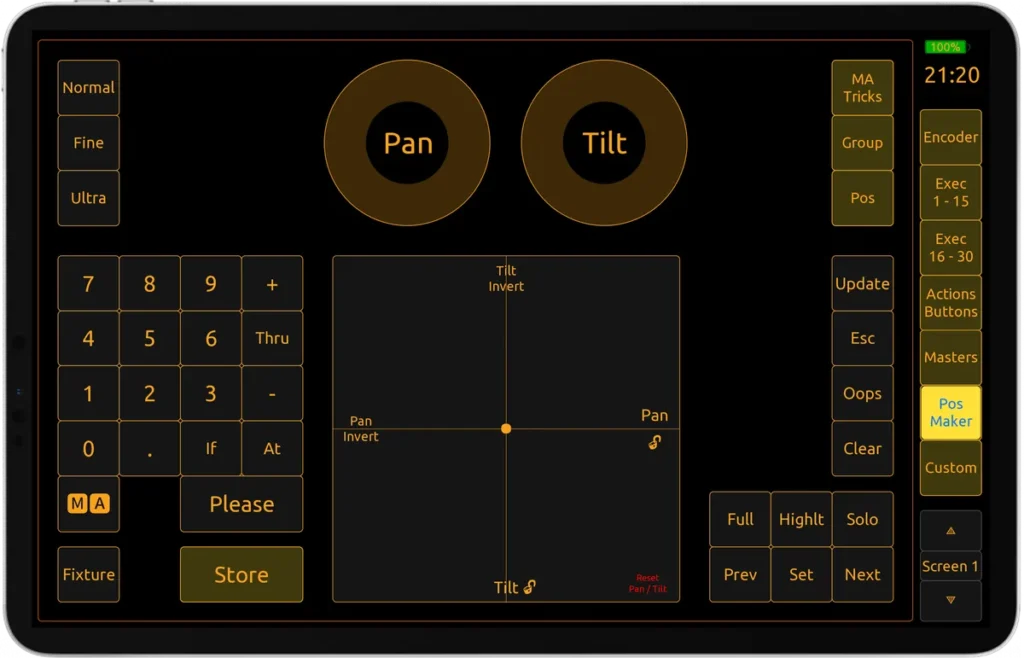
- Position Maker: Fine-tune Pan/Tilt with a dedicated fixture focusing interface.
- Extended Control: Access X Keys, V Keys, and full MA Tricks commands.
- Store Positions & Call Groups: Store positions and groups in the layout.
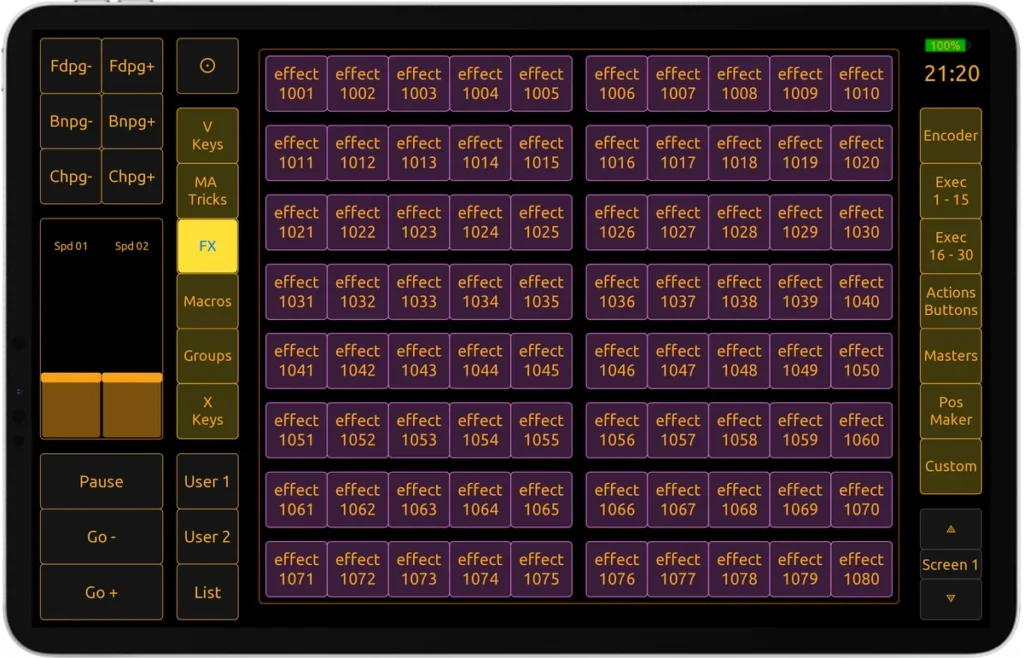
- Groups, Macros & Effects: Trigger 80 Groups, Macros, and Effects (240).
- Screen Selector: Navigate internal screens using dedicated up/down routing buttons.
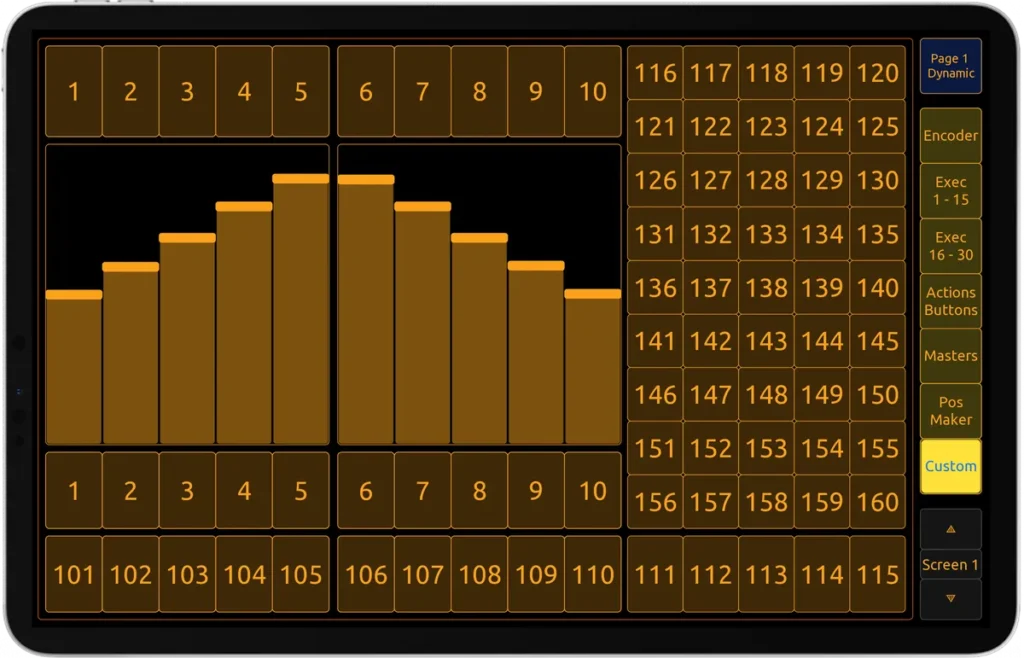
- Custom User Windows: Build and switch between unlimited custom pages.
- Simple UI Mode: Restrict pages for safe client & collaborators handoffs.
- Long Key Press: Emulate native MA long-press behavior.
- Desk Lock Button: Lock your console and mobile layout with a single tap.
- Live Edit Mode: Change colors & names of objects directly during live use.
- Gamepad Support: Connect a physical gaming controller and assign functions easily.
- APC Mini Integration: Support Akai APC Mini controller with plug-and-play mapping.
- Built-in Help: Interface hints and tooltips for advanced routing uses.
- Versatile Connectivity: Use entirely wirelessly or with a hardwired network setup.
- Interactive Device Feedback: Enjoy real-time visual and bidirectional feedback.
- Haptic Feedback: Include hardware vibration for improved tactile interaction.

Designed for Simplicity and Efficiency
Curious how this layout packs so many features ? Explore the Roadmap & Changelog
- Engineered for high-stress live environments, this layout delivers intuitive, one-tap execution without sacrificing backend depth or flexibility.
- Streamline your workflow with a wireless, compact interface built for rapid focusing, programming, or testing on the move.
- Expand your physical screen real estate and access advanced networking features while programming with your OnPC setup.

Getting Started
Explore the comprehensive Setup Guide for step-by-step installation, feature explanations, and custom routing tips.
This guide walks you through everything from basic network configuration to advanced LUA usage so you can push this layout to its absolute limit.
Product Page FAQ
For deep technical setup questions, check the Troubleshooting & FAQ section.
A : Yes. iOS, Android, Windows, macOS, and Linux (anything that successfully runs the TouchOSC Mk2 application).
A : No, it relies on the updated architecture of Mk2.
A : Yes. You need the official TouchOSC Mk2 license to host the file.
A : MA2 version 3.8 or newer.
A : Yes, the logic is fully compatible with grandMA3 hardware when running in Mode2.
A : Yes. The entire interface can be unlocked and personalized to fit your exact show file.
A : Follow the Setup Guide.
A : No. All future layout updates are free.
Stay In The Loop
Want to learn more about the evolution of this project? Check out the Contributors
I am constantly engineering new functionality and refining the logic of this layout. Stay tuned for future software updates and hardware integrations.
⚙️ Release 1.45 – Comin Soon !
- Gamepad Integration
- APC Mini MK2 Integration
- Midi Fighter Twister / Spectra / 3D Integration
- Web Remotes Integration
- Fader Feedback Integration
- Dual Tablet Integration
- And More !
Showcase Gallery
Proud of your custom hardware setup? I would love to feature it. Submit Your Setup
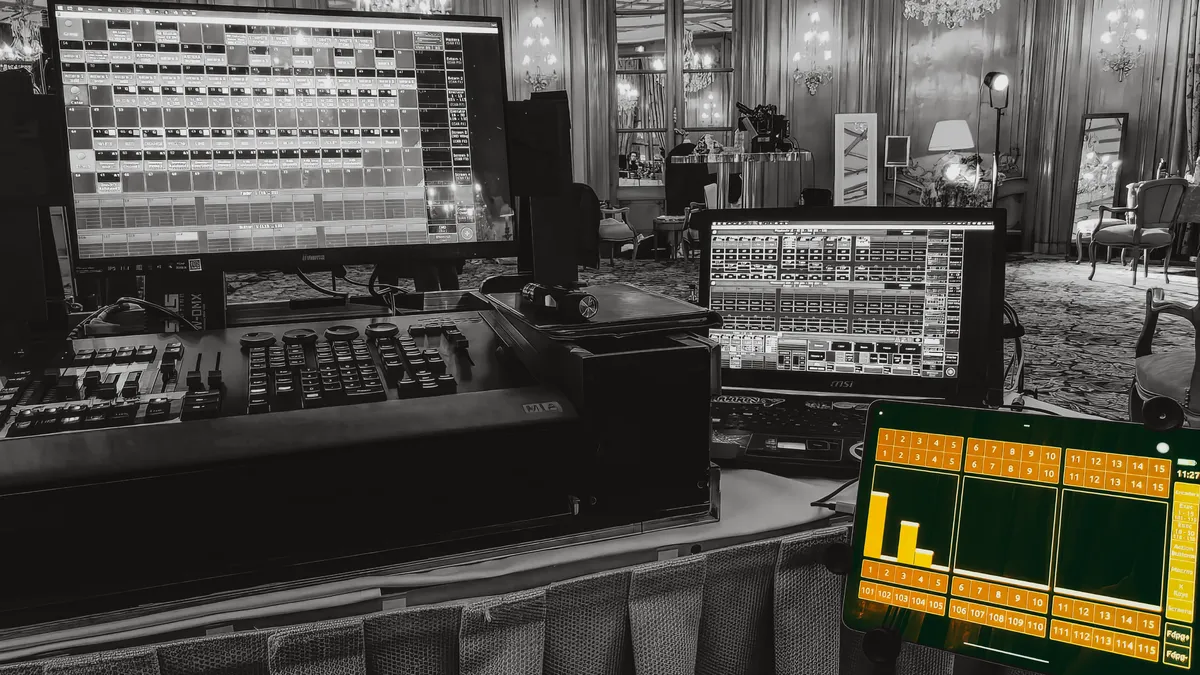
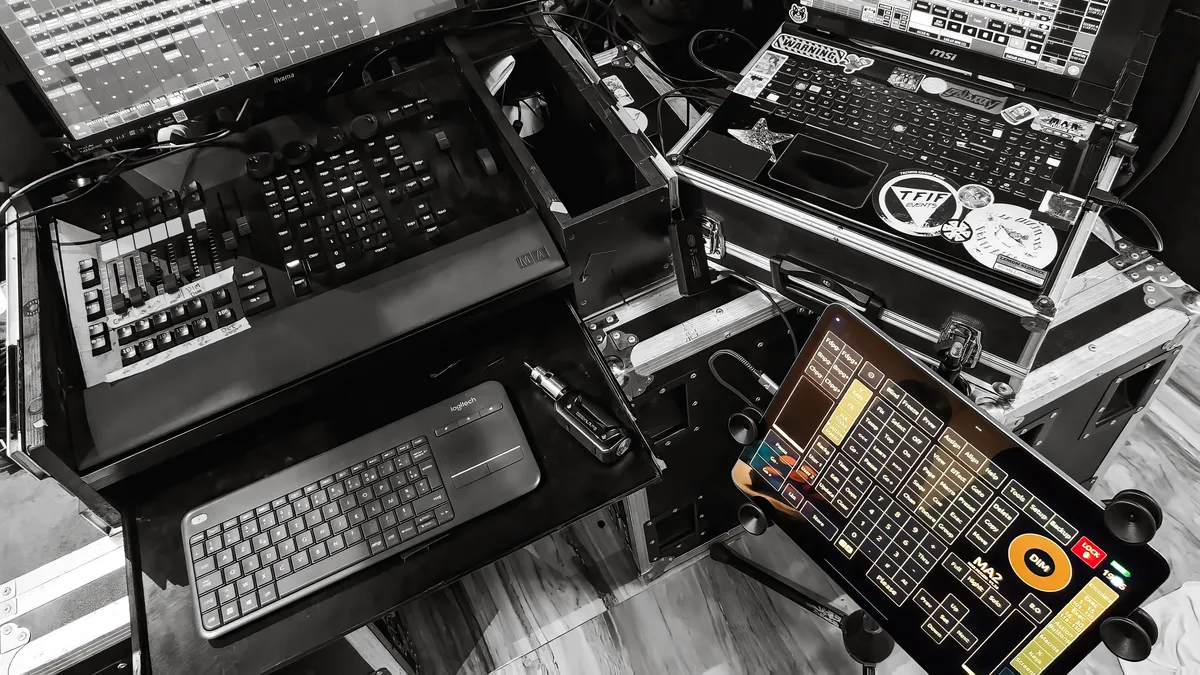
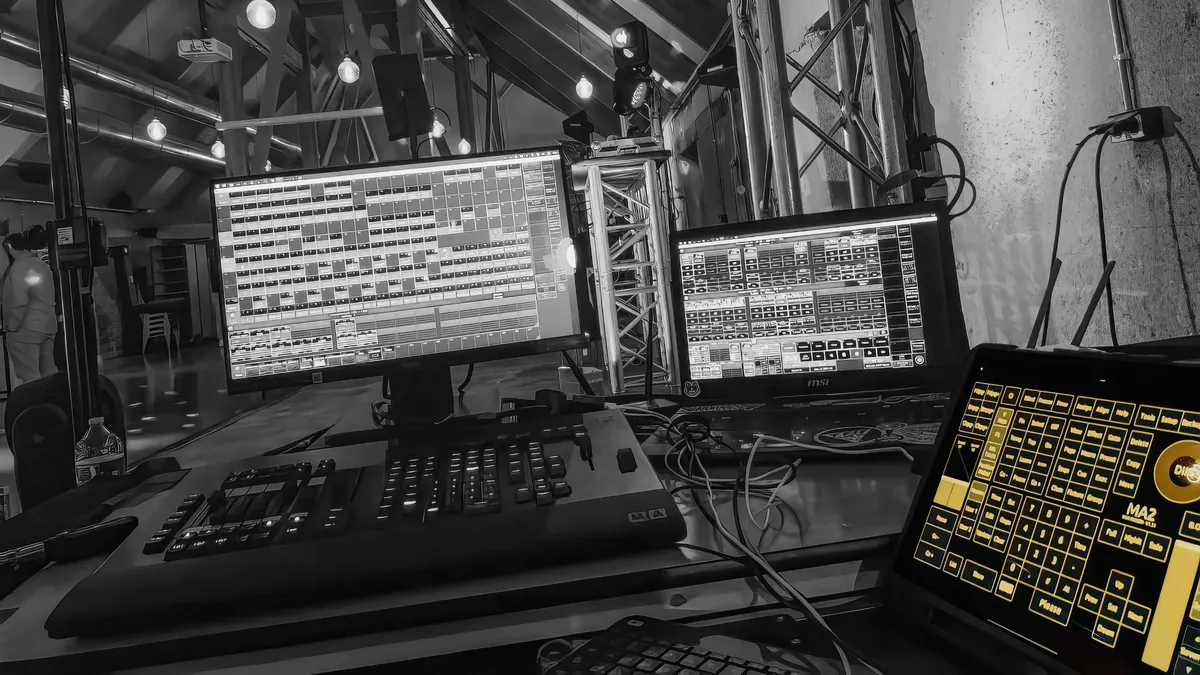
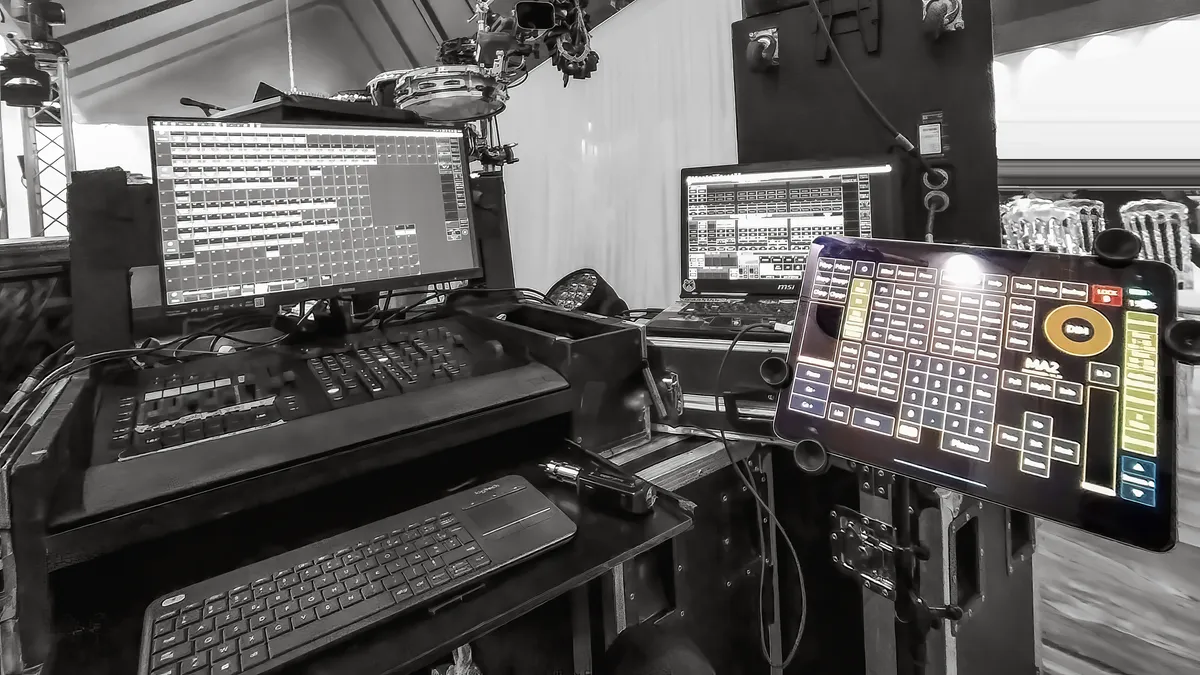
See how other programmers are utilizing the TouchOSC Mk2 Layout, ranging from ultra-compact touring rigs to massive, multi-screen control stations. Explore the layout’s versatility in real-world live productions and get inspired for your own network architecture.
Feedback & Contributions

You really have an amazing product here.
I got it set up in 10 minutes and it’s working flawlessly ! I just can’t get over the level of detail and accuracy. You fit the entire console on a tablet !
Christopher

I‘m doing multiple projects from clubs to festivals and this layout will be a huge boost for mostly small but effective FOH systems from now on !
Tim

Handy solution for operating with a node without a Command Wing.
Zakaria
Pricing
Facing a price barrier due to regional differences, or interested in direct payment options ? — Contact me
Explore the deployment plans below, tailored to fit diverse production needs.
Whether you are enhancing a solo club show or scaling up a massive arena architecture, find the exact tier you need to take control.
Free version
$0
Free download
- CMD Hardkey Coverage
- Dimmer Wheel & Grand Master
- Full 1-15 Executor Access
- Dual 100mm Faders
- Access to speed masters 1 & 2
- Built-in Help
- Desk Lock Button
- No Updates
- No Support
Pro version
$60
FULL VERSION
ONE TIME PURCHASE
UPDATES AND SUPPORT
Everything included in the free version and :
- Instant 1-Click Setup via Custom LUA Plugin
- Free updates
- Email support within 48h on business days
- Personalized Build Requests
- Early access to new features and beta builds
- Complete CMD Hardkey Coverage
- Four Encoders + Advanced Layout
- Trackball, Dimmer Wheel & Grand Master
- Dual 100mm Faders + Quick Assign Menu
- Full 1-30 Executor Access
- Full 190 Exec Buttons
- Special Masters Window
- Position Maker Window
- Screens Encoders
- All X keys & V Keys
- Full MA Tricks Commands
- 20 Stored Positions
- Store & Recall Groups
- 80 Macros Window
- 80 Effects Window
- 80 Groups Window
- Custom User Windows
- Long Key Press Functions
- Simple UI Mode
- Live Edit Mode
- Built-in Help
- Desk Lock Button
- Multi-Tablet Support
- Versatile Device Connectivity
Freelance
$60 000
Per year 👾
Tailored solutions for your projects :
- Custom Lighting Solutions
- Live Show Programming
- Visual Art Interfaces
- System Designs & Integration
- Long Term Partnerships
I collaborate with artists, venues, production houses, and studios to design custom lighting systems, program live shows, and develop advanced control interfaces for immersive performances and visual art experiences.
With expertise in lighting programming, stage visuals, control system architecture, and creative direction, I provide both remote and on-site engineering tailored strictly to high-level productions and long-term partnerships.
In addition to show programming, I also develop custom automation workflows, provide creative consultation, and integrate hardware control solutions into live environments. Whether you are prepping a massive new tour, upgrading your venue’s technical network, or building a completely new visual identity from scratch, I offer dedicated technical support to execute your vision flawlessly.

Max Mugen Lighting
Lighting Designer | Visual Artist | Automation Developer
I engineer lighting architectures, interactive control systems, and automation workflows for live performance and high-end studio pipelines. Available for custom system design and technical programming.
Work With Me
Explore My Work
Stay Connected


